

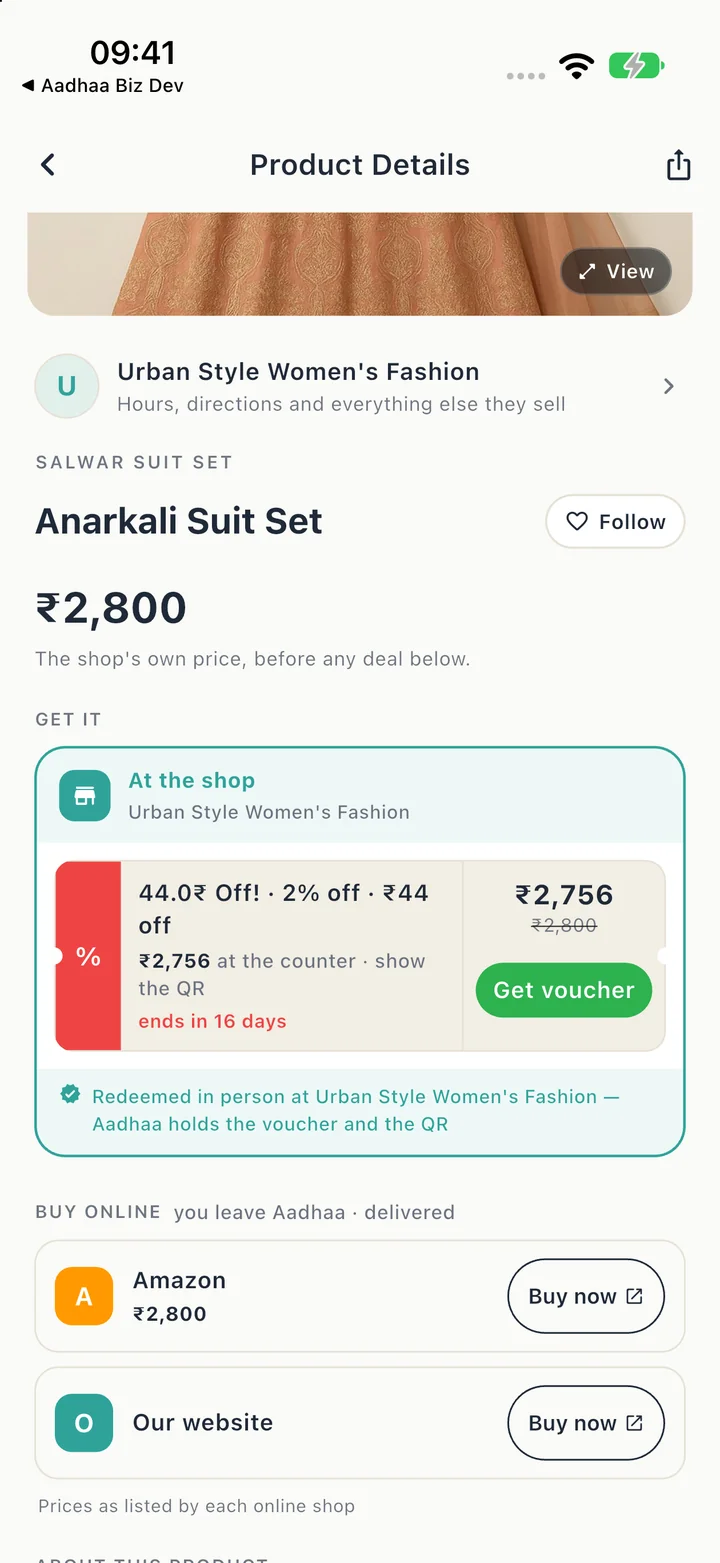
In-store redemption · written guide
Choose your For me interests
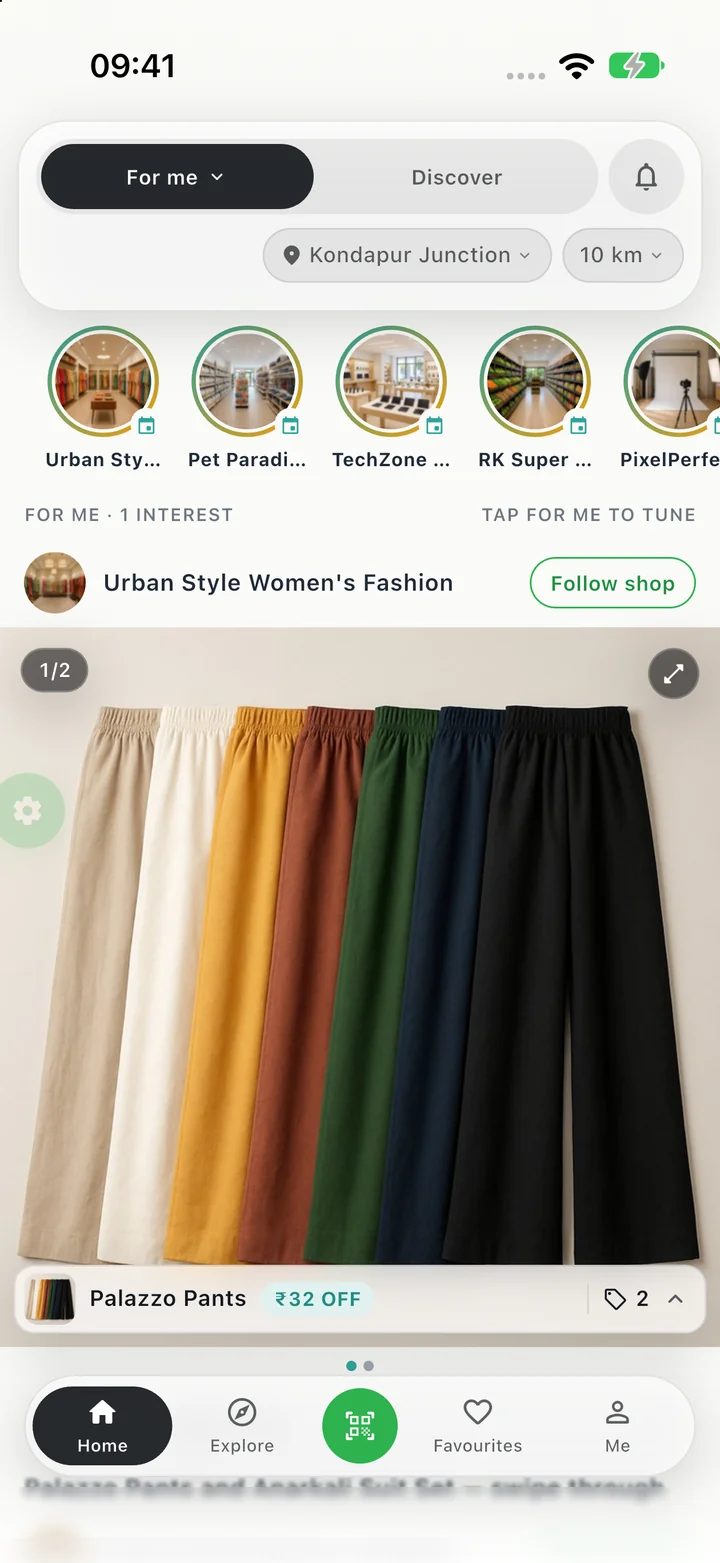
For me brings together content in the categories you choose. Add the interests you want to explore, and change them whenever you like.
- On Home, choose For me. Tap the selected For me tab to open Your categories.
- Tap Add category and choose an interest, such as Fashion or Food & Beverages. Your choice is saved automatically.
- Tap a category chip to include or exclude it from For me. You can come back and add more at any time.
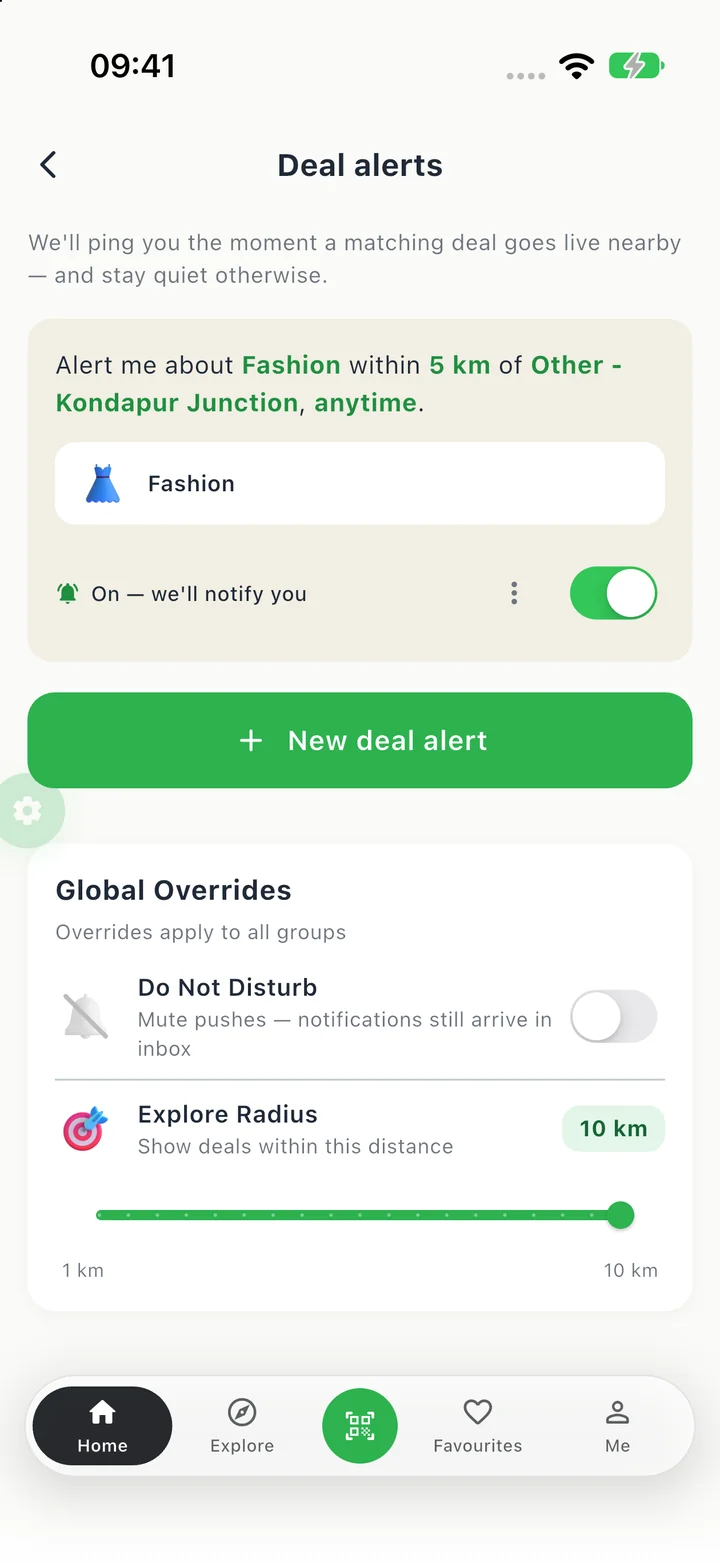
- Open Deal alerts from the same panel when you want to set up matching-deal notifications.